
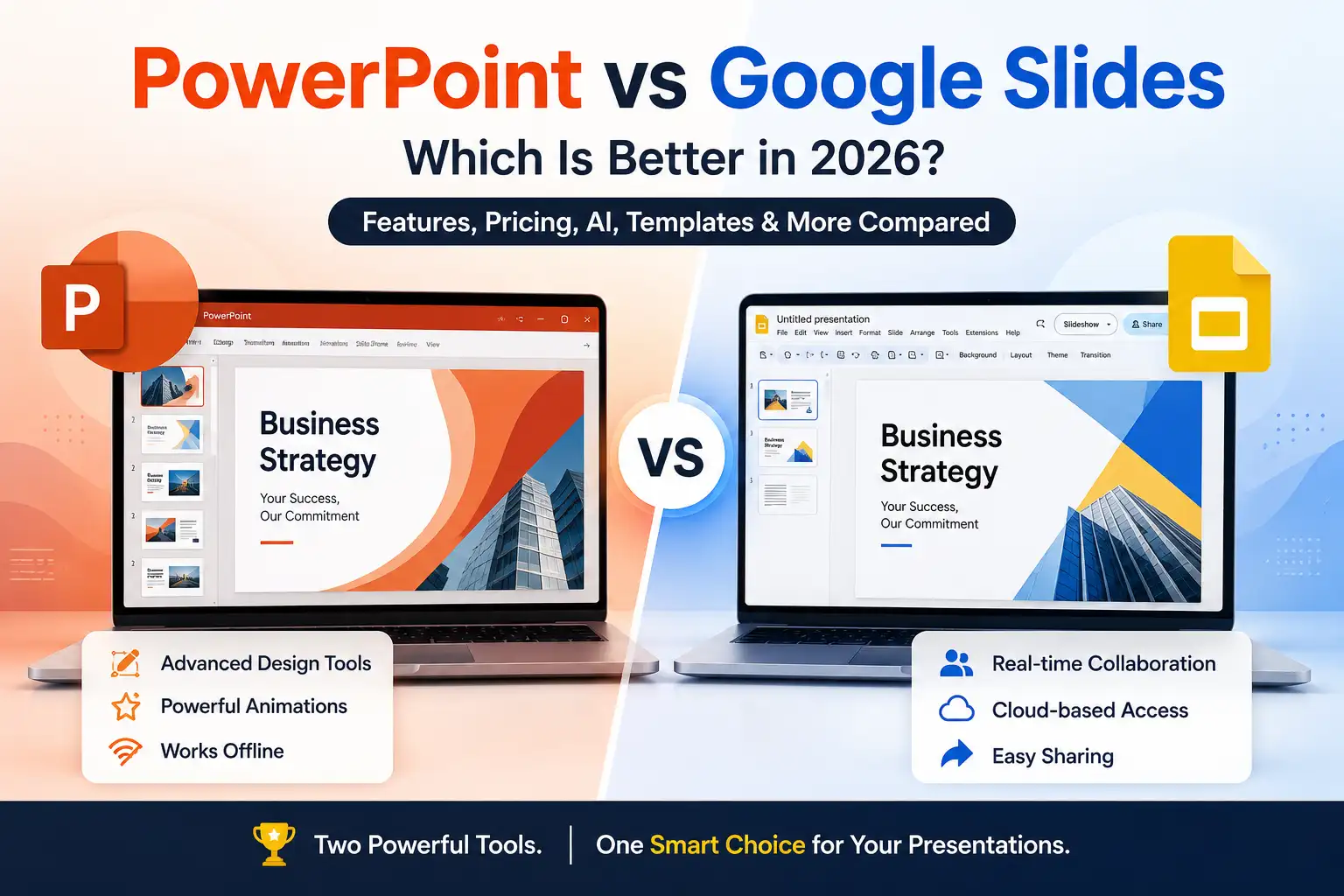
If you’re creating a presentation, one of the first decisions you’ll make is whether to use Microsoft PowerPoint or Google Slides. Both are among the most popular presentation tools, but they excel in different areas.
PowerPoint is known for its advanced design features, animations, and offline capabilities. Google Slides stands out for real-time collaboration, cloud accessibility, and ease of sharing.
So, which one should you choose?
In this guide, I’ll compare PowerPoint vs Google Slides across features, pricing, collaboration, AI capabilities, templates, performance, and more. By the end, you’ll know which presentation software is the best fit for your needs.
Looking for a Faster Way to Create Presentations?
While PowerPoint and Google Slides are the two most popular presentation platforms, both require you to build slides manually. If your goal is to create a presentation quickly, AI-powered tools can significantly reduce the time spent researching, writing, and designing slides.
For example, with AI Presentations, you can generate a complete presentation from a topic, document, PDF, YouTube video, or webpage URL in minutes and then continue editing it in either PowerPoint or Google Slides.
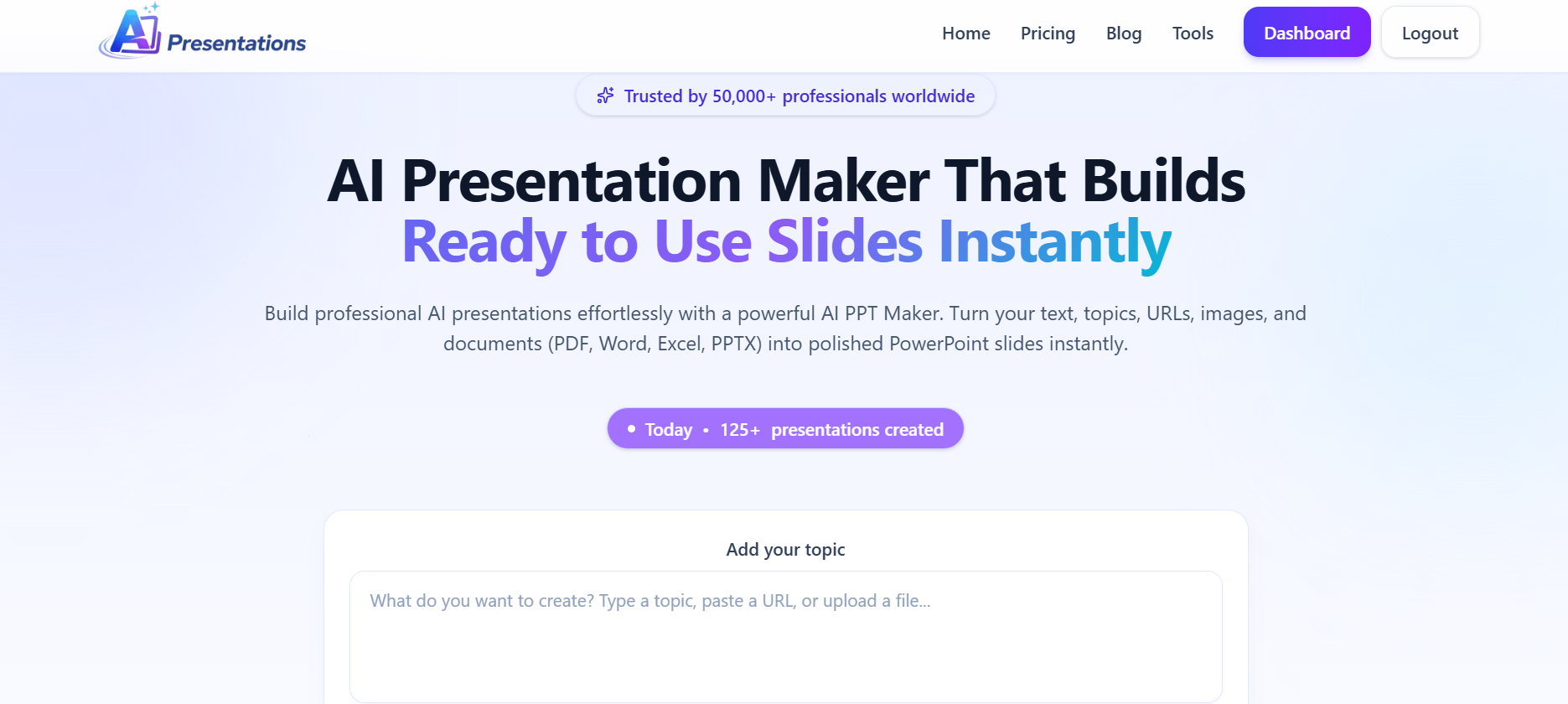
This approach combines the flexibility of traditional presentation software with the speed of AI.
PowerPoint vs Google Slides at a Glance
| Feature | PowerPoint | Google Slides |
| Best For | Professional presentations | Team collaboration |
| Offline Editing | ✅ Yes | ✅ Limited (Offline Mode) |
| Real-Time Collaboration | Good | Excellent |
| Cloud Storage | OneDrive | Google Drive |
| Templates | Extensive | Good |
| Animations | Advanced | Basic |
| AI Features | Microsoft Copilot | Gemini for Google Workspace |
| File Compatibility | Native PPTX | Imports/exports PPTX |
| Price | Microsoft 365 subscription or one-time licence | Free with Google account |
Quick Verdict
- Choose PowerPoint if you need advanced design control, professional animations, or offline editing.
- Choose Google Slides if you collaborate frequently and want easy cloud access.
What Is Microsoft PowerPoint?
PowerPoint is Microsoft’s presentation software and has been the industry standard for decades. It offers extensive design tools, advanced animations, presenter features, and seamless integration with the Microsoft Office ecosystem.
It works on Windows, macOS, the web, and mobile devices, making it suitable for business professionals, educators, and enterprise teams.
What Is Google Slides?
Google Slides is Google’s cloud-based presentation application included with Google Workspace. It focuses on simplicity, collaboration, and accessibility.
Because presentations are stored in Google Drive, multiple people can edit the same presentation simultaneously without worrying about version conflicts.
PowerPoint vs Google Slides: Detailed Comparison
1. Ease of Use
Both platforms are beginner-friendly, but their approach differs.
PowerPoint
PowerPoint offers significantly more features, which means a steeper learning curve. Advanced users appreciate the flexibility, while beginners may find the interface overwhelming.
Google Slides
Google Slides has a cleaner interface with fewer menus, making it easier for first-time users.
Winner: Google Slides
2. Design Features
When it comes to visual creativity, PowerPoint is difficult to beat.
PowerPoint includes:
- Advanced layouts
- Morph transitions
- 3D models
- SmartArt
- Icons
- Designer suggestions
- Professional animations
Google Slides includes:
- Basic themes
- Standard animations
- Simple transitions
- Limited design controls
Winner: PowerPoint
3. Collaboration
This is where Google Slides shines.
Everyone can edit simultaneously, leave comments, suggest changes, and track revisions without needing to email presentation files.
PowerPoint has improved collaboration through Microsoft 365 and OneDrive, but Google Slides still offers the smoother collaborative experience.
Winner: Google Slides
4. Templates
Both platforms include templates.
PowerPoint offers:
- Business templates
- Pitch decks
- Timelines
- Infographics
- Educational presentations
- Professional themes
Google Slides also provides templates, though the library is smaller.
Many users also download third-party templates regardless of the platform they choose.
Winner: PowerPoint
5. AI Features
AI is transforming how presentations are created.
PowerPoint
Microsoft integrates Copilot to help users:
- Generate slides
- Rewrite content
- Create speaker notes
- Suggest layouts
- Summarise documents
Google Slides
Google Workspace integrates Gemini, allowing users to:
- Generate presentation content
- Create images
- Draft speaker notes
- Improve writing
If you’re looking to generate an entire presentation in minutes, dedicated AI presentation tools can often provide a faster workflow than built-in assistants.
Winner: Tie
6. Offline Access
PowerPoint was originally designed for desktop use.
It works perfectly without an internet connection.
Google Slides supports offline editing, but users must enable Offline Mode beforehand.
Winner: PowerPoint
7. File Compatibility
PowerPoint uses the PPTX format.
Google Slides can:
- Import PPTX
- Export PPTX
- Export PDF
- Export images
- Export SVG
Complex PowerPoint animations and fonts may not always transfer perfectly.
Winner: PowerPoint
8. Performance
For large presentations containing:
- Videos
- High-resolution images
- Animations
- Charts
PowerPoint generally performs better.
Google Slides may slow down with very large presentations because it runs primarily in the browser.
Winner: PowerPoint
9. Pricing
Google Slides
- Free with a Google account
- Included in Google Workspace plans
PowerPoint
- Available through Microsoft 365 subscriptions
- Also available with certain one-time purchase editions
If cost is your main concern, Google Slides offers excellent value.
Winner: Google Slides
Feature Comparison Table
| Category | Winner |
| Ease of Use | Google Slides |
| Collaboration | Google Slides |
| Offline Editing | PowerPoint |
| Design Tools | PowerPoint |
| Animations | PowerPoint |
| Templates | PowerPoint |
| Performance | PowerPoint |
| AI Features | Tie |
| Pricing | Google Slides |
Which Is Better for Students?
Google Slides is often the better choice because it is free, easy to use, and ideal for group assignments.
Students can collaborate on presentations from anywhere without worrying about file versions.
Which Is Better for Businesses?
It depends on the organisation.
Choose PowerPoint if you:
- Present to clients
- Need advanced branding
- Use Microsoft 365
- Deliver complex presentations
Choose Google Slides if you:
- Work remotely
- Collaborate daily
- Use Google Workspace
- Need instant sharing
Can You Use Both Together?
Yes. Many professionals create presentations in Google Slides for collaboration and then export them to PowerPoint before delivering client presentations.
This workflow combines the strengths of both platforms.
Also read: How to Add Video to Google Slides (YouTube, Google Drive & MP4 Guide)
Frequently Asked Questions
Q1. Is Google Slides better than PowerPoint?
Google Slides is better for collaboration and ease of sharing, while PowerPoint is stronger for advanced design, animations, and offline editing.
Q2. Is PowerPoint free?
PowerPoint offers a free web version with basic features. Full desktop functionality typically requires a Microsoft 365 subscription or an eligible licence.
Q3. Can Google Slides open PowerPoint files?
Yes. Google Slides supports importing and editing PPTX files, though some advanced formatting or animations may not transfer perfectly.
Q4. Which presentation software is best for beginners?
Google Slides is generally easier for beginners because of its simple interface and cloud-based workflow.
Q5. Which is better for professional presentations?
PowerPoint remains the preferred choice for highly polished business presentations thanks to its advanced design tools and presentation features.
PowerPoint vs Google Slides vs AI Presentations
| Feature | PowerPoint | Google Slides | AI Presentations |
| Create Slides Manually | Yes | Yes | No |
| Generate Presentation From Topic | Limited | Limited | Yes |
| Create PPT From PDF | No | No | Yes |
| Create PPT From YouTube Video | No | No | Yes |
| Create PPT From URL | No | No | Yes |
| AI Content Generation | Copilot | Gemini | Advanced |
| Export to PowerPoint | Native | Yes | Yes |
| Export to Google Slides | Limited | Native | Yes |
If your primary goal is editing and presenting, PowerPoint and Google Slides remain excellent choices. However, if your goal is creating presentations faster, AI Presentations can help generate a complete first draft in minutes before you refine it in your preferred platform.
Final Verdict
Both PowerPoint and Google Slides are excellent presentation tools, but the right choice depends on how you work.
Choose PowerPoint if you need professional-grade design features, powerful animations, offline editing, and deep integration with Microsoft Office.
Choose Google Slides if you prioritise collaboration, cloud accessibility, and a free, easy-to-use platform for teams or classrooms.
If your goal is to create presentations faster regardless of whether you use PowerPoint or Google Slides, AI-powered presentation tools can help generate structured, professionally designed slides in minutes. They can complement either platform by reducing the time spent on outlining, designing, and formatting presentations.
Also read: How to Transfer PowerPoint to Google Slides (Without Losing Formatting)?