
The first 30 seconds of a presentation can determine whether your audience stays engaged or loses interest. Even if your slides are excellent, a weak introduction can make the rest of your presentation less effective.
The good news is that you don’t need to be a professional speaker to make a strong first impression. With the right opening, you can capture attention, build credibility, and set the stage for a memorable presentation.
In this guide, you’ll learn how to start a presentation with confidence, discover proven opening techniques, see practical examples, and avoid common mistakes.
Why Your Presentation Opening Matters?
Your introduction does more than greet the audience. It tells people why they should pay attention.
A strong opening helps you:
- Capture attention immediately
- Build confidence as a speaker
- Create curiosity about your topic
- Establish credibility
- Set clear expectations for your audience
Whether you’re giving a classroom presentation, pitching a client, or speaking in a meeting, the first minute is your opportunity to make a lasting impression.
How to Start a Presentation?
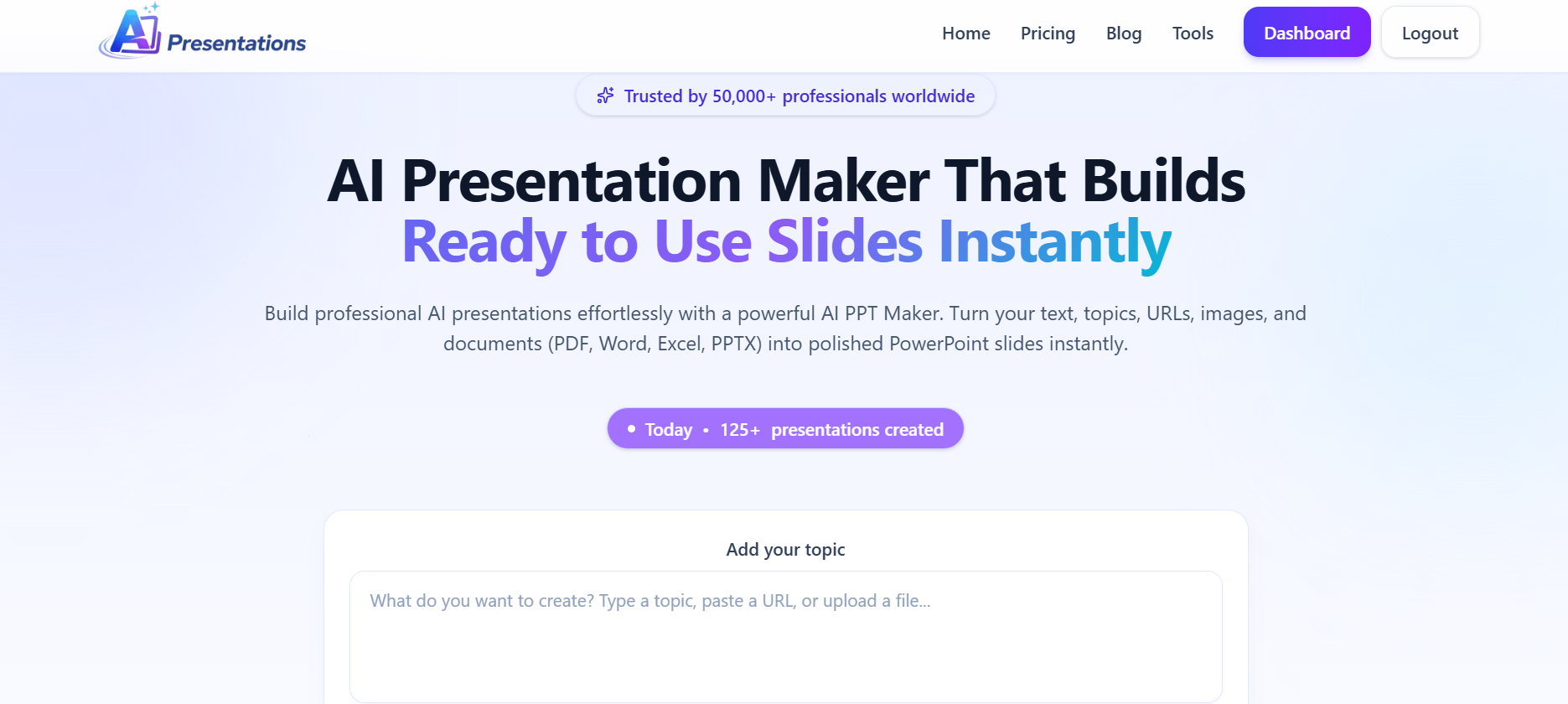
Before you think about what to say, make sure your slides support your message. If you don’t want to spend hours designing slides manually, AI Presentations can generate a professional PowerPoint or Google Slides presentation from your topic in minutes. With your slides ready, you can focus on practising a strong opening instead of formatting layouts.
A simple framework can help you start almost any presentation successfully.
1. Welcome Your Audience
Start with a friendly greeting.
Example:
“Good morning, everyone. Thank you for taking the time to be here today.”
Keep it natural and avoid overcomplicating your introduction.
2. Introduce Yourself (When Necessary)
If the audience doesn’t know you, briefly introduce yourself and explain why you’re speaking on the topic.
Example:
“I’m Nikhil, and I’ve spent the past three years helping businesses improve their presentation design and storytelling.”
Only include information that’s relevant to your topic.
3. Start With a Hook
Your first statement should make people want to keep listening.
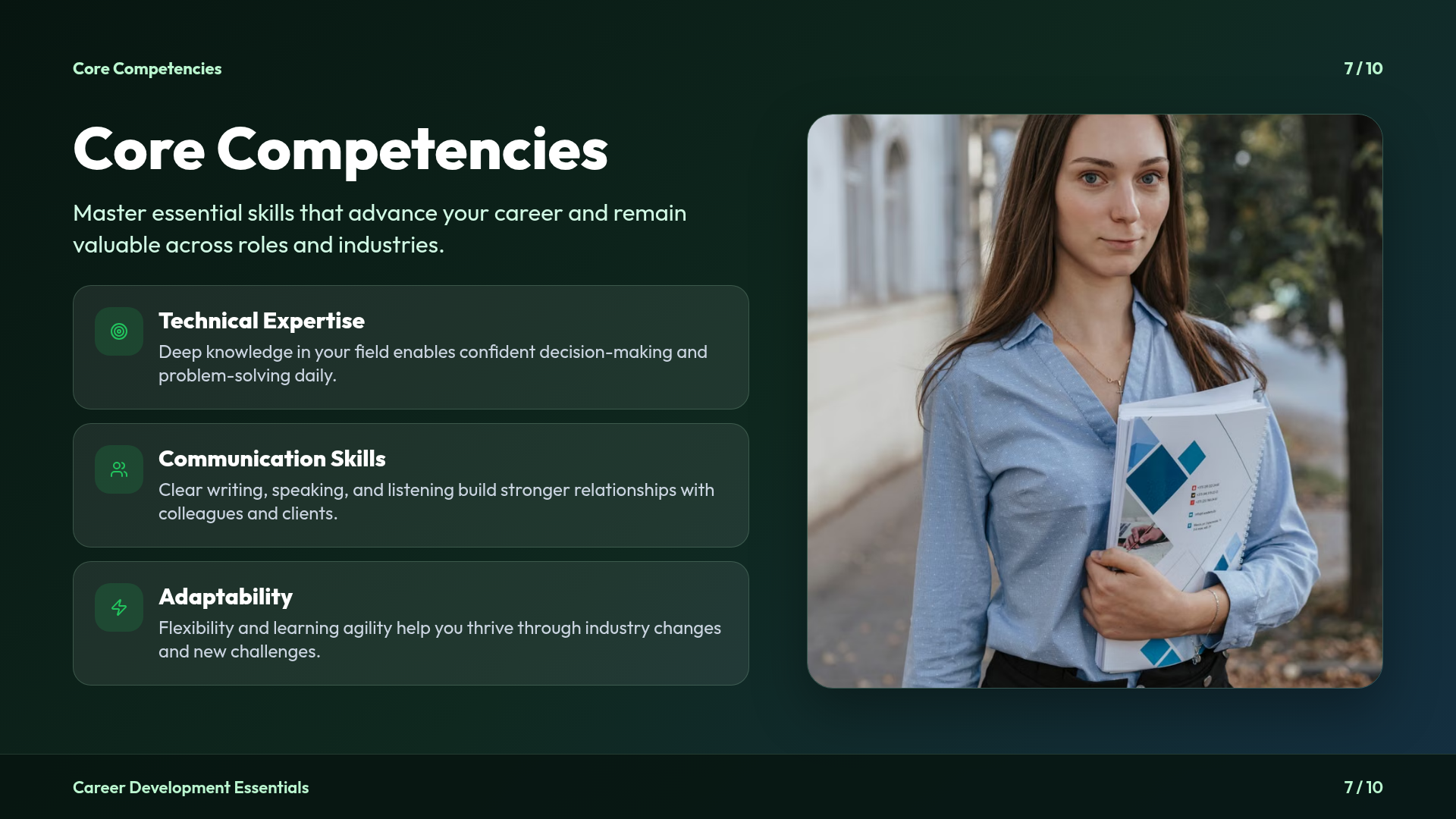
Some effective hooks include:
- A surprising statistic
- A thought-provoking question
- A short story
- An interesting fact
- A bold statement
For example:
“Did you know that people form an impression of a speaker in less than a minute?”
4. Explain Why the Topic Matters
Tell your audience why they should care.
Instead of saying,
“Today I’ll talk about presentation skills.”
Try:
“Whether you’re a student or a professional, knowing how to present ideas clearly can influence grades, career growth, and business success.”
5. Preview What You’ll Cover
Give your audience a roadmap.
Example:
“In the next 15 minutes, we’ll explore three practical techniques that will help you create presentations people actually remember.”
This creates clear expectations and keeps listeners engaged.
10 Powerful Ways to Start a Presentation
Different situations call for different opening styles. Here are some of the most effective approaches.
1. Ask a Question
Questions immediately involve your audience.
Example:
“How many of you have sat through a presentation that felt endless?”
People naturally begin thinking about their own experiences.
2. Share a Surprising Statistic
Statistics quickly establish importance.
Example:
“Research shows that most people forget a presentation within 24 hours if it doesn’t capture their attention early.”
Always use accurate and relevant data.
3. Tell a Short Story
Stories create emotional connections.
Example:
“A few years ago, I watched two people give the exact same presentation. One received applause. The other lost the audience within five minutes. The difference wasn’t the content—it was how they started.”
Keep stories under a minute.
4. Use a Relevant Quote
A meaningful quote adds credibility.
Example:
“As Maya Angelou said, ‘People will forget what you said, but they’ll never forget how you made them feel.'”
Explain why the quote relates to your topic.
5. Present a Problem
Show the audience a challenge they’ll recognise.
Example:
“Most presentations fail because they’re filled with information but lack engagement.”
Then promise a solution.
Expert Tip: Memorise only your first 30–60 seconds not your entire presentation. A confident opening helps you settle into the flow naturally, making it easier to speak confidently without sounding scripted.
6. Make a Bold Statement
Unexpected statements spark curiosity.
Example:
“Slides don’t make great presentations. Speakers do.”
Support your statement throughout the presentation.
7. Show a Visual
An image, chart, or short video can be more impactful than several paragraphs of text.
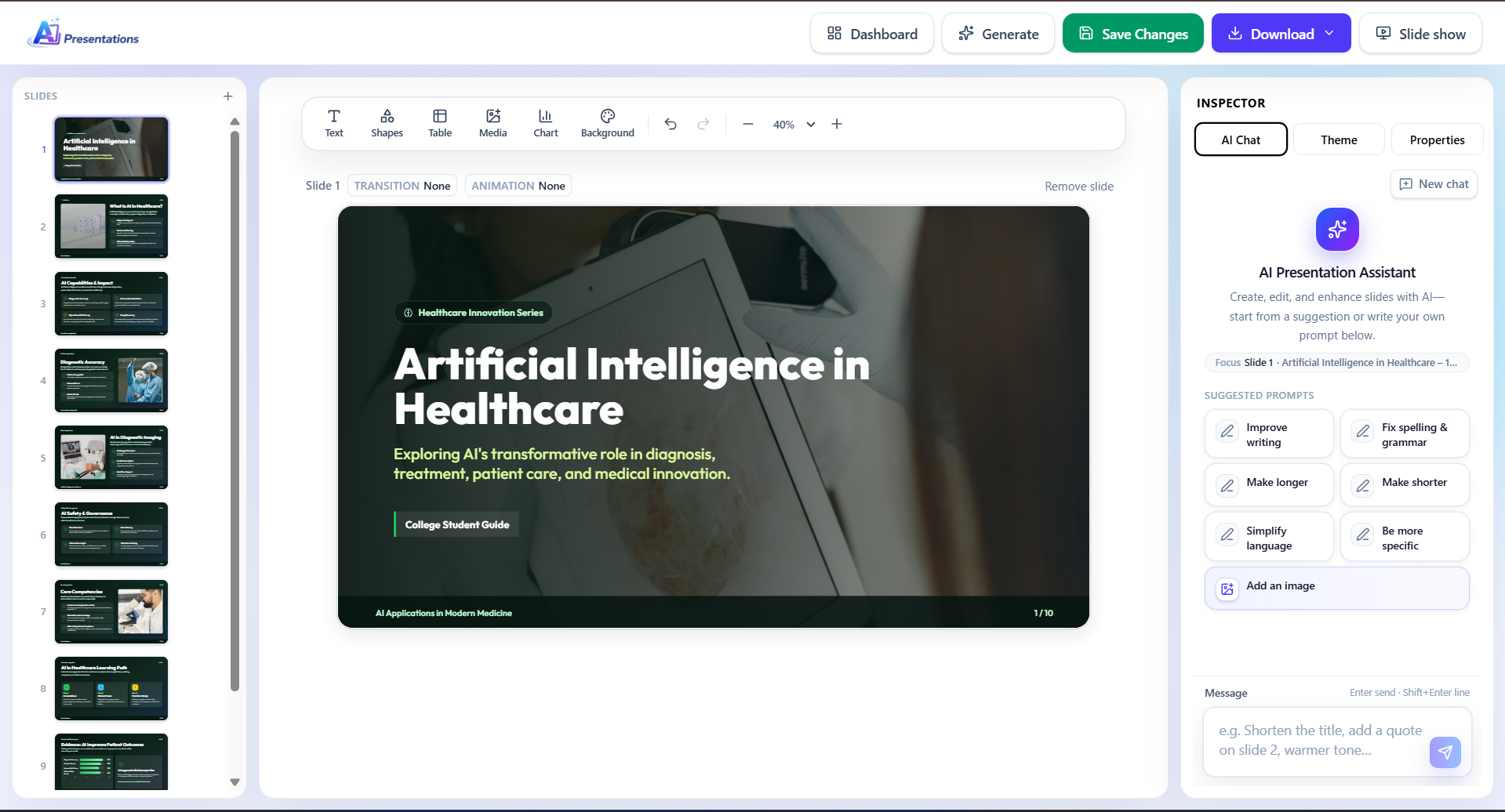
Make sure every visual supports your message rather than distracting from it.
8. Share a Personal Experience
Personal experiences make presentations authentic.
Focus on lessons rather than lengthy stories.
9. Start With a Demonstration
If you’re presenting a product or teaching a skill, show the result before explaining the process.
Seeing something in action immediately grabs attention.
10. Create Curiosity
Leave your audience wanting answers.
Example:
“By the end of this presentation, you’ll know one simple technique that instantly makes every presentation more engaging.”
Presentation Opening Examples
Example for Students
“Good morning, everyone. Have you ever wondered why some students remember lessons better than others? Today, we’ll explore how technology is changing education and what it means for our future.”
Example for Business
“Thank you for joining today’s meeting. Over the next 10 minutes, I’ll show how improving our customer onboarding process could reduce support requests and increase retention.”
Example for Sales
“Imagine increasing your team’s productivity without hiring additional staff. Today, I’ll show you how that’s possible.”
Example for Online Presentations
“Thanks for joining from different locations. Before we begin, think about the biggest challenge you face with presentations. We’ll address several of those today.”
Common Mistakes to Avoid
Even experienced speakers make these mistakes.
Reading Directly From Slides
Your audience can read faster than you can speak.
Use slides to support your message, not replace it.
Giving a Long Introduction
Avoid spending several minutes introducing yourself.
Get to the value quickly.
Using Too Many Greetings
Instead of:
“Good morning… thank you… welcome… hope you’re doing well…”
Move into your topic after a brief greeting.
Starting With an Apology
Avoid saying:
- “I’m not very good at presenting.”
- “I didn’t have much time to prepare.”
These statements reduce your credibility before you’ve even started.
Overloading the Audience
Don’t begin with excessive facts or technical details.
Build context first.
Tips for Different Types of Presentations
College Presentations
- Start with an interesting fact or question.
- Speak confidently.
- Avoid memorising every sentence.
- Maintain eye contact.
Business Presentations
- Focus on the problem and expected outcome.
- Keep introductions brief.
- Respect time limits.
Sales Presentations
- Highlight customer pain points.
- Explain the value early.
- Use real examples whenever possible.
Online Presentations
- Check your microphone and camera beforehand.
- Engage participants with questions or polls.
- Use visuals to maintain attention.
A Simple Presentation Opening Template
You don’t need to reinvent your introduction every time.
Use this framework:
Greeting → Hook → Why It Matters → What You’ll Cover
Example:
“Good afternoon, everyone. Have you ever wondered why some presentations inspire action while others are quickly forgotten? Today, I’ll share practical techniques that will help you capture attention, communicate your ideas clearly, and deliver presentations with confidence.”
This structure works for most academic and professional presentations.
Related: How to Convert Meeting Notes to a Presentation?
Frequently Asked Questions
Q1. How do you start a presentation confidently?
Prepare your opening in advance, practise it several times, maintain eye contact, and speak at a steady pace. Confidence grows with preparation.
Q2. What is the best opening line for a presentation?
The best opening depends on your audience. A question, statistic, story, or bold statement usually works better than simply introducing the topic.
Q3. Should I introduce myself first?
Yes, if the audience doesn’t know you. Keep it brief and relevant to the presentation.
Q4. How long should a presentation introduction be?
Aim for one to two minutes. Introduce the topic, capture attention, and transition into the main content.
Q5. Is it okay to use humour?
Yes, if it feels natural and suits your audience. Avoid forced jokes or humour that could distract from your message.
Also read: How to Turn a Report into a PowerPoint Presentation?
Conclusion
Knowing how to start a presentation is one of the most valuable public speaking skills you can develop. A strong opening captures attention, builds credibility, and encourages your audience to stay engaged throughout your presentation.
Remember to keep your introduction focused, use a compelling hook, explain why your topic matters, and give your audience a clear idea of what they’ll learn.
Once you’ve planned your opening, the next step is creating slides that support your message. Using an AI-powered presentation maker can help you turn your ideas into professional presentations faster, allowing you to spend more time practising your delivery instead of designing slides from scratch.