
Creating a professional PowerPoint presentation used to take hours. You had to research your topic, organize ideas, design slides, choose colors, add visuals, and make sure everything looked polished. Today, AI has changed that workflow completely.
Over the past few years, AI-powered presentation tools have evolved from simple design assistants into intelligent productivity platforms. Many of them can now generate presentation outlines, write slide content, suggest layouts, create visuals, improve formatting, and even help you present ideas more effectively. Whether you’re preparing a business proposal, classroom presentation, sales pitch, project report, or investor deck, these tools can significantly reduce the time and effort required.
However, not every AI tool delivers the same experience.
Some focus on speed, helping you create a complete presentation within minutes. Others prioritize design quality, collaboration, branding, or advanced customization. After testing multiple platforms, I noticed that each tool has its own strengths and limitations depending on your specific needs.
Instead of recommending a single solution for everyone, I evaluated each tool using practical criteria, including:
- Ease of use
- Output quality
- Design flexibility
- Template library
- AI-generated content quality
- Collaboration features
- Export options
- Pricing
- Overall value
In this guide, you’ll find a detailed comparison of the top AI tools for PPT presentation available in 2026. I’ll walk you through their features, advantages, drawbacks, pricing, and the scenarios where each tool performs best, helping you choose the one that fits your workflow.
Quick Comparison of Top 10 AI Tools for PPT Presentation
| Tool | Best For | Free Plan | PowerPoint Export | Overall Rating |
|---|---|---|---|---|
| AIPresentations.app | Fast PPT creation | ✅ | ✅ | ⭐⭐⭐⭐⭐ |
| Gamma | Interactive presentations | ✅ | ✅ | ⭐⭐⭐⭐☆ |
| Canva | Design-heavy presentations | ✅ | ✅ | ⭐⭐⭐⭐☆ |
| Beautiful.ai | Business presentations | Limited | ✅ | ⭐⭐⭐⭐☆ |
| Tome | Storytelling | ✅ | Partial | ⭐⭐⭐⭐☆ |
| Pitch | Team collaboration | ✅ | ✅ | ⭐⭐⭐⭐☆ |
| Plus AI | Google Slides workflow | Trial | ✅ | ⭐⭐⭐⭐☆ |
| Visme | Marketing presentations | Limited | ✅ | ⭐⭐⭐⭐☆ |
| Slidesgo AI | Templates | ✅ | ✅ | ⭐⭐⭐⭐☆ |
| Prezi AI | Dynamic presentations | Trial | Partial | ⭐⭐⭐⭐☆ |
How I Evaluated These AI Tools?
Choosing the right AI tool isn’t just about how quickly it creates slides. A good platform should also produce accurate content, offer flexible customization, support collaboration, and export presentations without breaking layouts.
To make this comparison as useful as possible, I tested every tool using the same evaluation criteria.
Ease of Use
The first thing I looked at was how quickly a new user could create a presentation. The best tools have intuitive interfaces, require minimal learning, and guide users through the creation process without unnecessary complexity.
AI Content Quality
Generating slides is one thing; generating useful content is another. I evaluated how well each tool created presentation outlines, headlines, bullet points, summaries, and supporting information.
Design Quality
Presentation quality depends heavily on design. I compared template variety, layout suggestions, typography, color consistency, image integration, and overall visual appeal.
Editing Flexibility
No AI-generated presentation is perfect. That’s why editing capabilities matter. I checked how easily users could modify text, rearrange slides, customize themes, and personalize designs.
Export Options
Many users eventually need to present in Microsoft PowerPoint or share files as PDFs. I assessed how well each tool exported presentations while preserving formatting and compatibility.
Pricing & Value
Finally, I compared pricing plans, free features, and whether the premium offerings justified their cost.
Top 10 AI Tools for PPT Presentation
1. AIPresentations.app
Best for: Creating professional PowerPoint presentations quickly with AI
If your goal is to create presentation slides without spending hours researching content or designing layouts, AIPresentations.app is one of the strongest options available today.
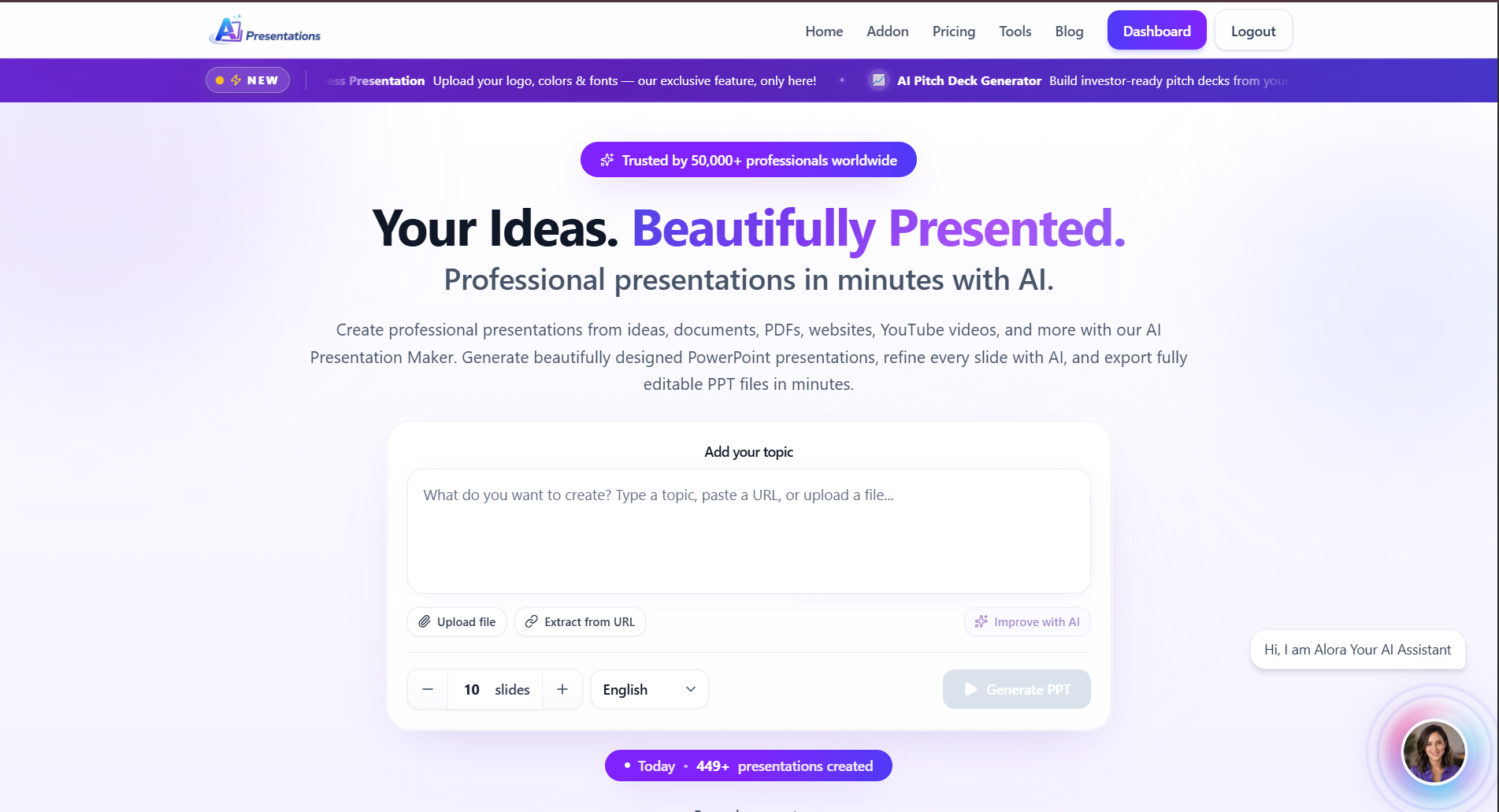
After testing it across business presentations, marketing proposals, educational content, and project reports, I found that its biggest advantage is how quickly it transforms a simple prompt into a well-structured PowerPoint presentation. Instead of giving users a blank canvas, it generates an organized outline, professionally designed slides, relevant visuals, and editable content within minutes.
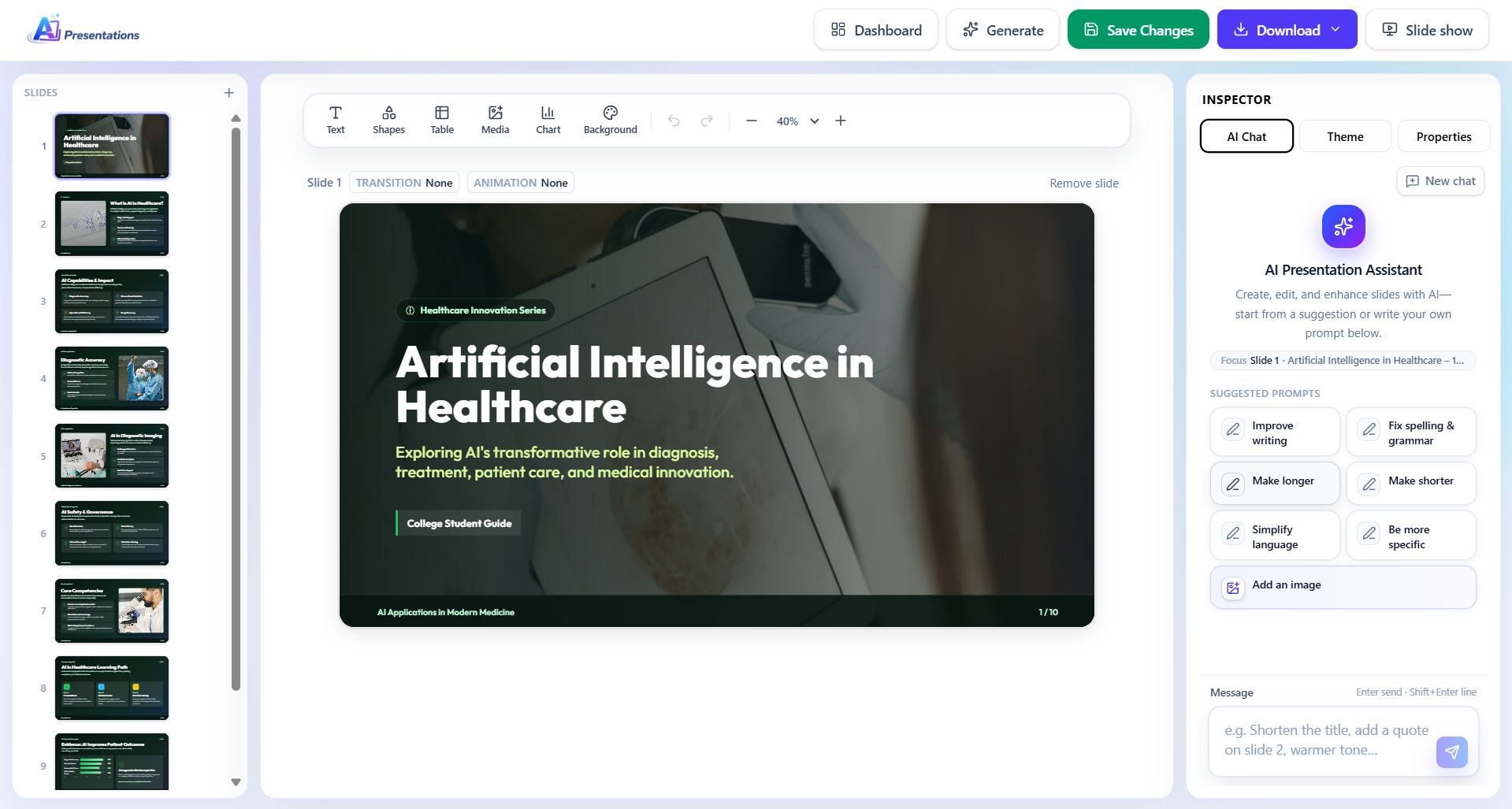
Unlike many tools that focus primarily on design, AIPresentations.app balances content generation and presentation quality, making it useful for professionals, students, educators, startups, consultants, and corporate teams.
Another feature I appreciated is the flexibility after generation. AI-generated presentations are rarely perfect on the first attempt, so being able to edit text, replace visuals, reorganize slides, and refine layouts without starting over saves a significant amount of time.
Whether you’re preparing for a client meeting, classroom lecture, sales presentation, business proposal, or internal company update, the workflow feels efficient from start to finish.
Key Features
- Generate complete presentations from a simple prompt
- Professional slide layouts
- AI-generated presentation outlines
- Smart content suggestions
- Large template library
- PowerPoint export
- Google Slides compatibility
- Brand customization
- Charts, icons, and images
- Fast generation speed
Pros
✅ Very fast presentation generation
✅ Excellent balance between AI-generated content and design
✅ Beginner-friendly interface
✅ Good variety of templates
✅ Clean PowerPoint exports
✅ Works well for business and education
Cons
❌ Some presentations still require manual editing for niche or highly technical topics
❌ Advanced branding features require premium plans
Pricing
- Free plan available
- Premium plans with additional features and higher generation limits
My Experience
After testing multiple presentation topics, I consistently found AIPresentations.app among the fastest tools in this comparison. It produced structured presentations that required fewer edits than many competitors, especially for business and educational use cases.
Rather than spending time arranging slides manually, I could focus on improving the content and tailoring the presentation to my audience.
Overall Rating
⭐⭐⭐⭐⭐ 4.9/5
2. Gamma AI
Best for: Interactive presentations and modern storytelling
Gamma takes a different approach from traditional PowerPoint tools. Instead of focusing on slide-by-slide editing, it creates interactive presentations that resemble modern web pages.
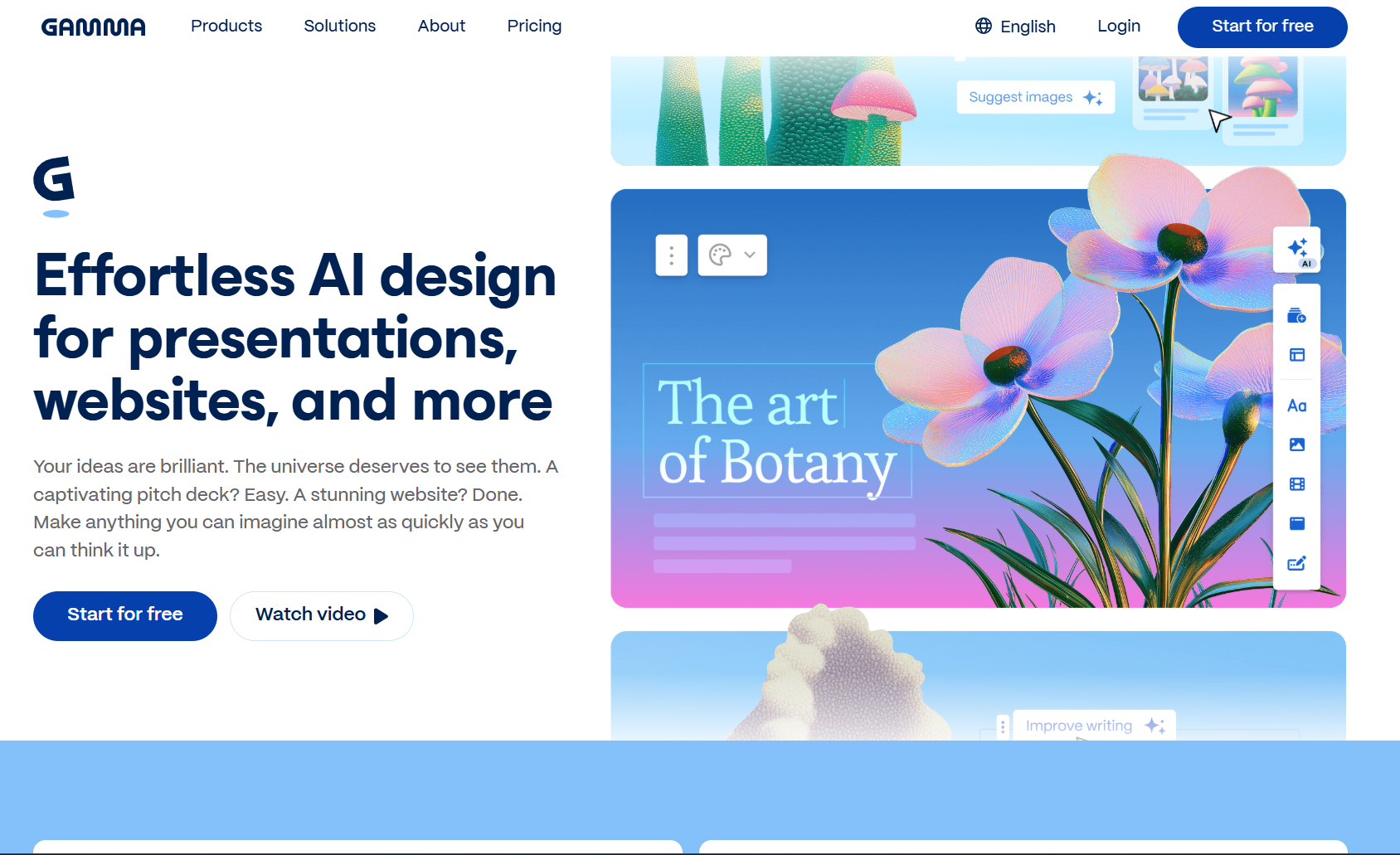
If you’re building presentations for startups, product demos, workshops, or internal documentation, Gamma offers a refreshing workflow. It emphasizes visual storytelling, responsive layouts, and collaborative editing.
During testing, I liked how quickly Gamma organized information into visually appealing sections. Its AI also generated decent content from prompts and suggested layouts that looked modern without requiring much manual adjustment.
However, Gamma feels less suited for users who specifically need traditional PowerPoint files with extensive formatting control. While export options exist, some formatting adjustments may still be necessary depending on the presentation.
Key Features
- AI-generated presentation structure
- Interactive layouts
- Built-in collaboration
- AI writing assistance
- Image generation support
- Responsive presentation design
- Team workspaces
Pros
✅ Excellent visual storytelling
✅ Modern interface
✅ Strong collaboration features
✅ Good AI writing capabilities
✅ Easy content organization
Cons
❌ Limited customization compared to PowerPoint
❌ Export formatting may require adjustments
❌ Learning curve for users accustomed to traditional slide editors
Pricing
- Free plan available
- Paid plans for advanced collaboration and AI usage
My Experience
Gamma impressed me with its design quality and speed. It’s particularly effective when presenting online or sharing interactive presentations with teams.
For users who frequently deliver presentations in Microsoft PowerPoint, however, other tools may provide a smoother workflow.
Check out this: Best Gamma Alternative?
Overall Rating
⭐⭐⭐⭐☆ 4.6/5
3. Canva
Best for: Beautiful presentation design and visual creativity
Canva has evolved far beyond a graphic design platform. Today, it offers AI-powered features that simplify presentation creation while maintaining one of the largest template libraries available.
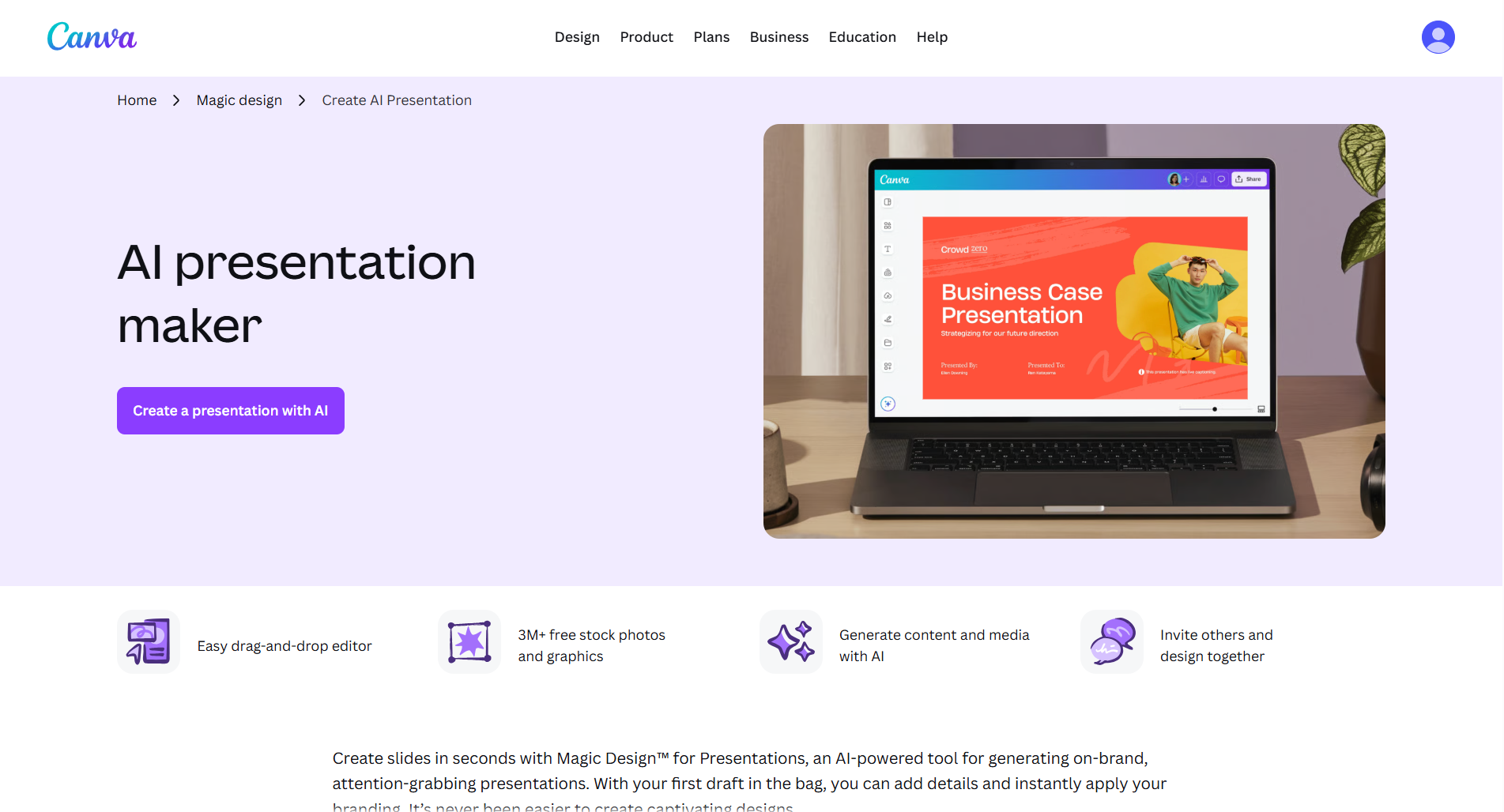
Its biggest advantage is flexibility. Rather than relying entirely on AI, Canva combines intelligent design assistance with manual editing, giving users greater creative control.
During testing, I found Canva particularly useful for marketing presentations, educational slides, portfolios, event presentations, and social-media-inspired designs. The sheer number of templates makes it easy to start with a polished foundation.
The AI tools can generate content, suggest layouts, remove image backgrounds, create graphics, and improve designs. While its AI-generated presentation content wasn’t always as structured as dedicated presentation-focused tools, the design capabilities more than make up for it.
Key Features
- Thousands of presentation templates
- AI writing assistance
- Magic Design
- Image editing
- Background removal
- Stock photos and graphics
- Animation effects
- PowerPoint export
- Team collaboration
Pros
✅ Outstanding template library
✅ Excellent visual design tools
✅ Beginner-friendly interface
✅ Strong collaboration
✅ Rich media library
Cons
❌ AI-generated content is less detailed than specialized presentation tools
❌ Large presentations may require more manual editing
❌ Some premium assets require a paid subscription
Pricing
- Free plan available
- Canva Pro for premium templates, AI features, and brand tools
My Experience
If presentation design matters more than rapid AI-generated content, Canva remains one of the strongest choices. I particularly liked how easy it was to customize colors, fonts, icons, and images without sacrificing visual consistency.
For users who enjoy having creative control over every slide, Canva continues to be one of the most versatile platforms available.
Overall Rating
⭐⭐⭐⭐☆ 4.7/5
Quick Comparison After Testing
| Tool | Best For | AI Content | Templates | Editing | Export | Rating |
|---|---|---|---|---|---|---|
| AIPresentations.app | Fast PowerPoint creation | ⭐⭐⭐⭐⭐ | ⭐⭐⭐⭐⭐ | ⭐⭐⭐⭐⭐ | ⭐⭐⭐⭐⭐ | 4.9/5 |
| Gamma | Interactive presentations | ⭐⭐⭐⭐☆ | ⭐⭐⭐⭐☆ | ⭐⭐⭐⭐☆ | ⭐⭐⭐⭐☆ | 4.6/5 |
| Canva | Creative design | ⭐⭐⭐⭐☆ | ⭐⭐⭐⭐⭐ | ⭐⭐⭐⭐⭐ | ⭐⭐⭐⭐⭐ | 4.7/5 |
4. Beautiful.ai
Best for: Business presentations and corporate teams
If you frequently create business presentations, board meeting decks, investor updates, or executive reports, Beautiful.ai is one of the most polished tools available.
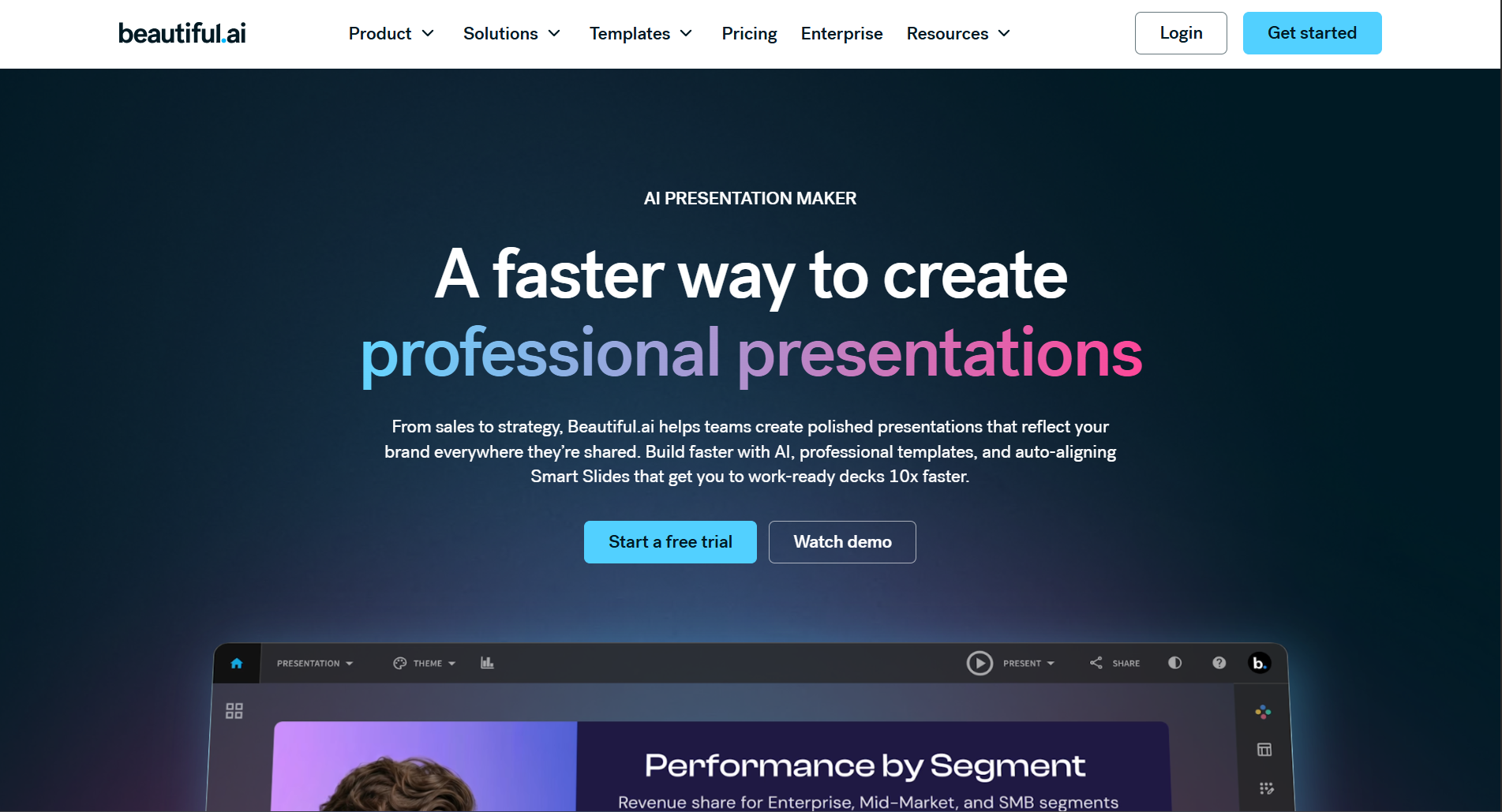
Unlike many presentation platforms that simply generate slides, Beautiful.ai focuses on presentation design automation. As you add content, it intelligently adjusts layouts, spacing, image placement, and typography to keep every slide looking professional.
During testing, I found this particularly useful because it eliminates one of the biggest frustrations in presentation design constantly moving elements around to make slides look balanced.
Instead of manually resizing charts or aligning text boxes, the platform handles much of the design work automatically.
Key Features
- Smart slide layouts
- Business-focused templates
- AI-assisted content generation
- Brand consistency tools
- Team collaboration
- PowerPoint export
- Analytics for shared presentations
Pros
✅ Excellent business-focused templates
✅ Automatic layout optimization
✅ Professional-looking presentations
✅ Strong collaboration features
✅ Consistent slide design
Cons
❌ Less creative flexibility compared to Canva
❌ Smaller template library
❌ Premium features require a subscription
Pricing
- Limited free access
- Paid plans for advanced features
My Experience
Beautiful.ai consistently produced clean and polished business presentations with minimal effort. If your work involves executive meetings, client proposals, or corporate reports, it’s an excellent option.
Overall Rating
⭐⭐⭐⭐☆ 4.7/5
5. Tome
Best for: Storytelling and idea presentations
Tome approaches presentations differently than traditional slide-based tools.
Instead of focusing on individual slides, it emphasizes storytelling. The AI helps organize information into logical sections that flow naturally from one idea to the next.

When I tested Tome for startup pitches and product concepts, it generated well-structured narratives rather than isolated slides.
It also integrates AI-generated visuals and writing assistance, making it useful when you’re starting with only a rough idea.
However, users who require highly customized PowerPoint presentations may find Tome somewhat limiting because its workflow is optimized for interactive storytelling.
Key Features
- AI-generated narratives
- Smart page layouts
- AI writing assistant
- AI image generation
- Collaboration tools
- Presentation sharing
- Interactive content
Pros
✅ Excellent storytelling capabilities
✅ Clean modern interface
✅ Fast content generation
✅ Strong AI writing
✅ Great for idea pitches
Cons
❌ Less suitable for traditional corporate presentations
❌ Limited PowerPoint editing flexibility
❌ Smaller template collection
Pricing
- Free plan available
- Premium plans for additional AI usage
My Experience
Tome stood out whenever I wanted to communicate an idea rather than simply display information. It’s ideal for founders, consultants, educators, and creators who rely on storytelling.
Overall Rating
⭐⭐⭐⭐☆ 4.5/5
Check out this: Best Tome AI Alternative
6. Pitch
Best for: Team collaboration
Pitch is designed for organizations where multiple people contribute to the same presentation.
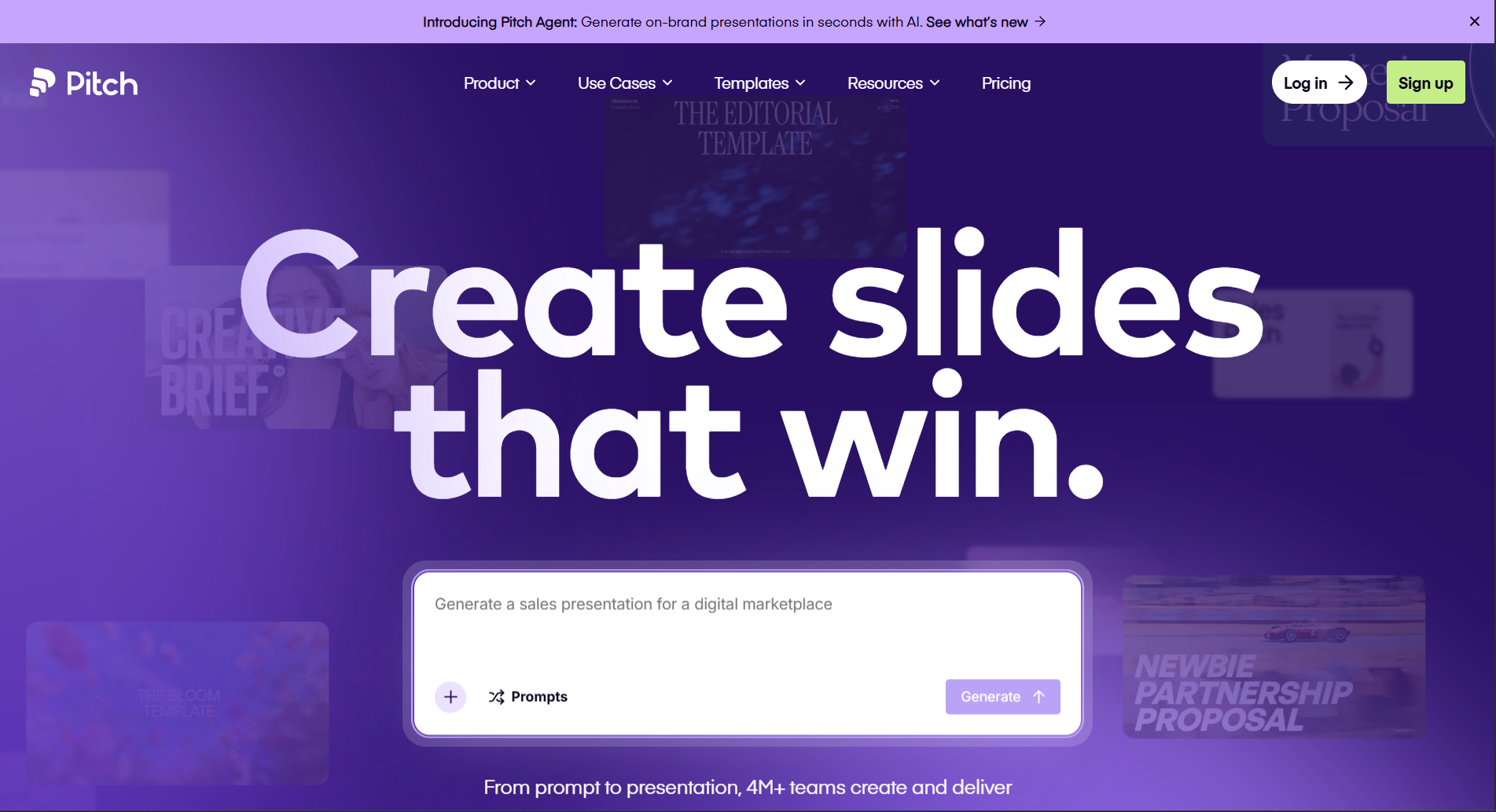
Rather than focusing solely on AI, it combines collaboration, version history, comments, analytics, and presentation management into one platform.
During testing, I found Pitch especially useful for marketing teams, agencies, startups, and sales departments that frequently update presentations together.
Its collaboration experience feels closer to working in a shared document than editing traditional presentation files.
Key Features
- Team collaboration
- AI writing assistance
- Shared workspaces
- Comments and approvals
- Presentation analytics
- Brand management
- PowerPoint export
Pros
✅ Excellent collaboration
✅ Clean interface
✅ Strong team workflow
✅ Easy sharing
✅ Business-ready templates
Cons
❌ AI generation isn’t as advanced as some competitors
❌ Better suited for teams than individuals
❌ Some enterprise features are paid
Pricing
- Free plan available
- Premium business plans
My Experience
Pitch is one of the strongest collaboration-focused presentation tools I tested. If your organization frequently works on presentations together, it offers a smoother workflow than many traditional presentation applications.
Overall Rating
⭐⭐⭐⭐☆ 4.6/5
7. Plus AI
Best for: Google Slides users
Plus AI is unique because it works directly inside Google Slides.
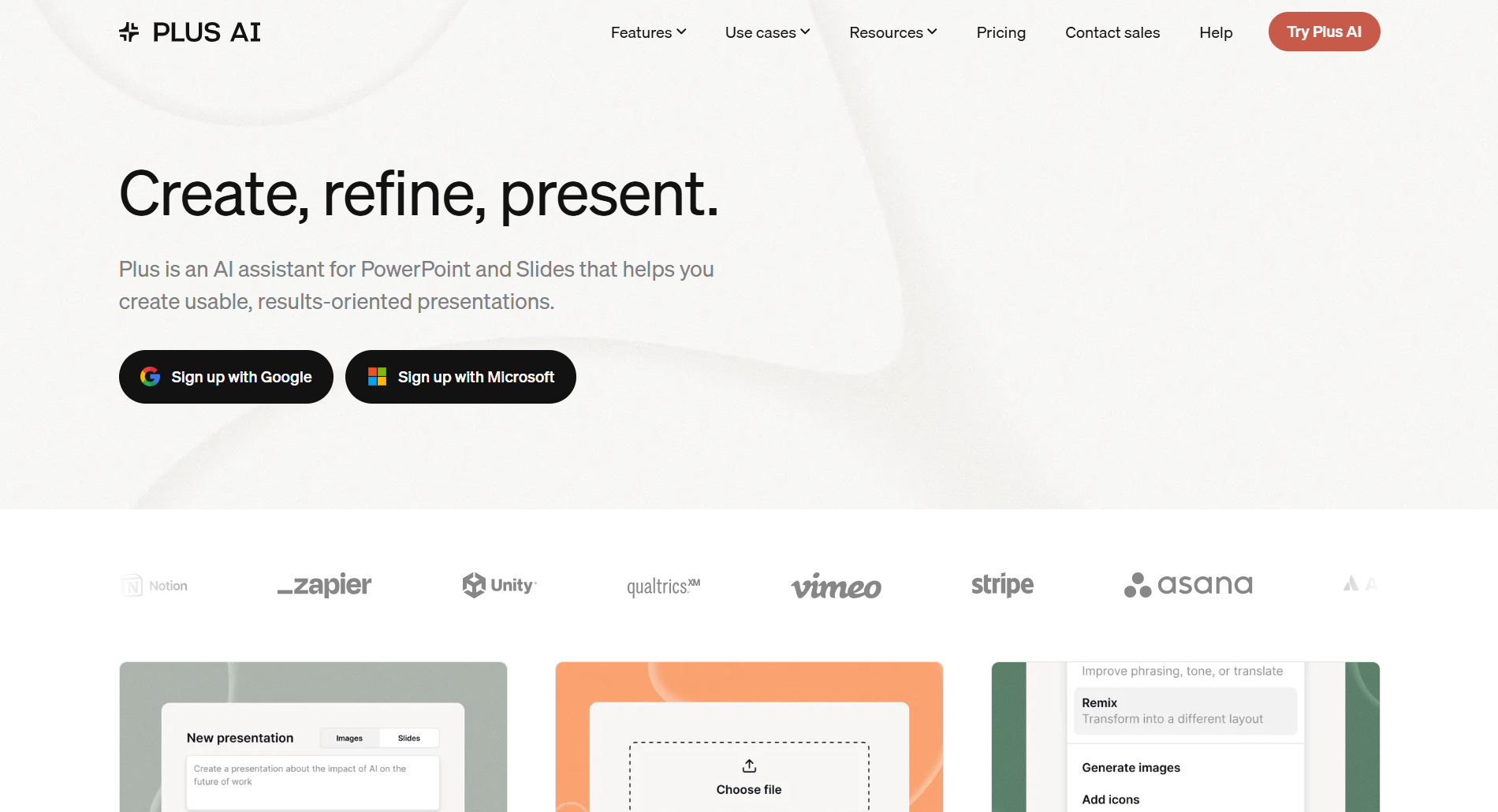
Instead of switching between different presentation platforms, users can generate outlines, rewrite slides, improve content, and create new presentations without leaving Google’s ecosystem.
For teams already invested in Google Workspace, this creates a much more seamless workflow.
During testing, I appreciated how quickly it generated presentation structures while preserving the familiar Google Slides editing experience.
Key Features
- Google Slides integration
- AI-generated outlines
- Rewrite existing slides
- Prompt-based generation
- AI editing assistant
- Team collaboration
- PowerPoint compatibility
Pros
✅ Native Google Slides workflow
✅ Easy learning curve
✅ Helpful AI editing
✅ Fast presentation creation
✅ Good collaboration
Cons
❌ Requires Google Slides
❌ Smaller template ecosystem
❌ Limited standalone functionality
Pricing
- Free trial
- Paid subscription
My Experience
If you already spend most of your time working in Google Slides, Plus AI is one of the easiest tools to adopt because it integrates directly into your existing workflow instead of requiring you to learn an entirely new platform.
Overall Rating
⭐⭐⭐⭐☆ 4.6/5
Mid-Article Comparison
| Tool | Ease of Use | AI Quality | Design | Collaboration | Best For |
|---|---|---|---|---|---|
| AIPresentations.app | ⭐⭐⭐⭐⭐ | ⭐⭐⭐⭐⭐ | ⭐⭐⭐⭐⭐ | ⭐⭐⭐⭐☆ | Fast presentation creation |
| Gamma | ⭐⭐⭐⭐☆ | ⭐⭐⭐⭐☆ | ⭐⭐⭐⭐⭐ | ⭐⭐⭐⭐☆ | Interactive presentations |
| Canva | ⭐⭐⭐⭐⭐ | ⭐⭐⭐⭐☆ | ⭐⭐⭐⭐⭐ | ⭐⭐⭐⭐⭐ | Creative presentations |
| Beautiful.ai | ⭐⭐⭐⭐☆ | ⭐⭐⭐⭐☆ | ⭐⭐⭐⭐⭐ | ⭐⭐⭐⭐☆ | Business presentations |
| Tome | ⭐⭐⭐⭐☆ | ⭐⭐⭐⭐☆ | ⭐⭐⭐⭐☆ | ⭐⭐⭐⭐☆ | Storytelling |
| Pitch | ⭐⭐⭐⭐☆ | ⭐⭐⭐⭐☆ | ⭐⭐⭐⭐☆ | ⭐⭐⭐⭐⭐ | Team collaboration |
| Plus AI | ⭐⭐⭐⭐⭐ | ⭐⭐⭐⭐☆ | ⭐⭐⭐⭐☆ | ⭐⭐⭐⭐☆ | Google Slides users |
8. Visme
Best for: Marketing presentations, reports, and data visualization
Visme is more than a presentation platform. It’s a complete visual communication tool designed for businesses, marketers, educators, and organizations that regularly create presentations, reports, infographics, proposals, and dashboards.
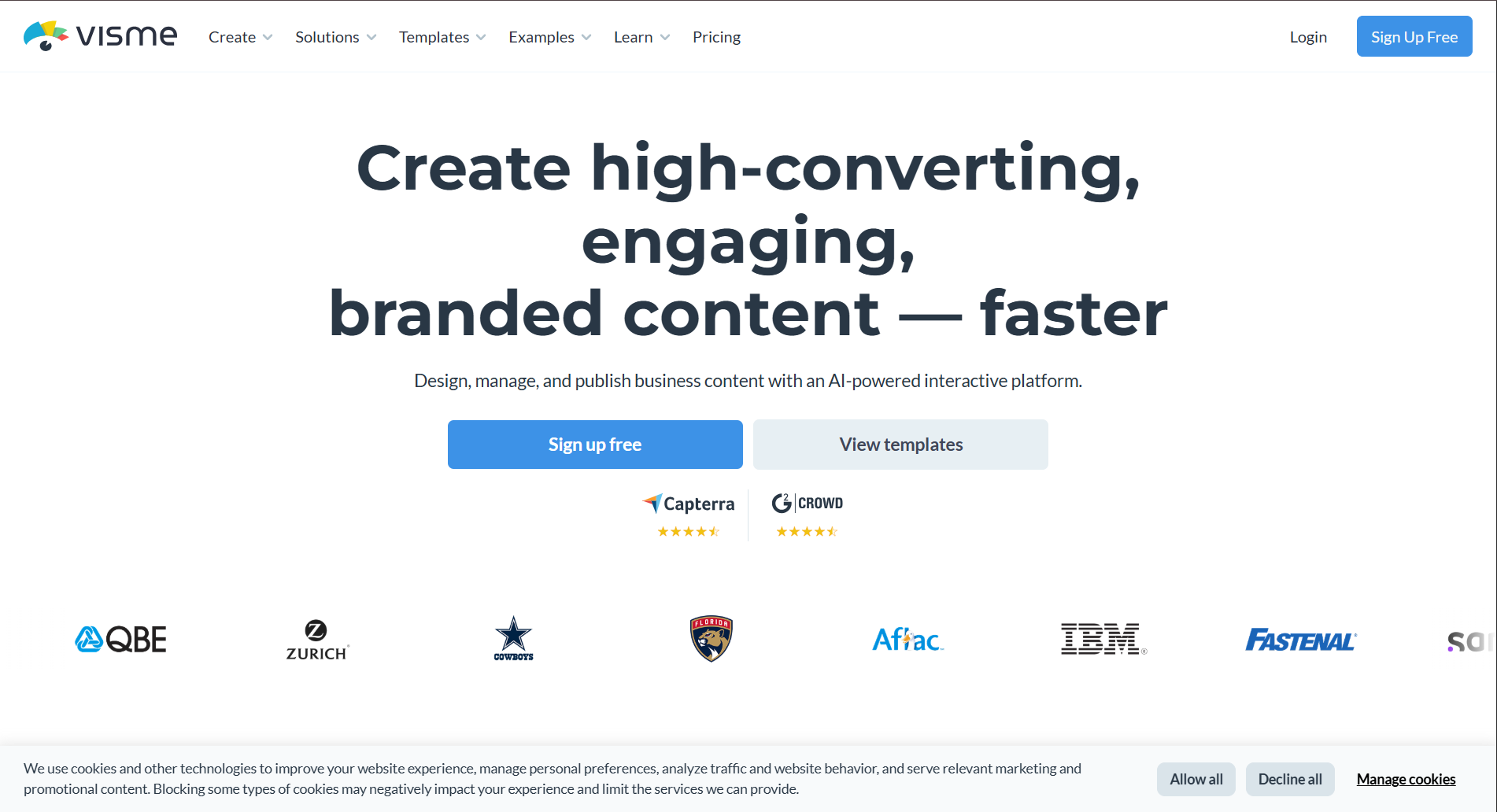
During my testing, Visme stood out because of its extensive collection of charts, icons, illustrations, and data visualization tools. If your presentations rely heavily on statistics, KPIs, or business reports, it offers more flexibility than many competitors.
While its AI capabilities continue to improve, I found that Visme’s biggest advantage is its ability to turn information-heavy presentations into visually engaging slides.
Key Features
- AI-assisted content generation
- Professional templates
- Interactive charts
- Infographics
- Brand management
- Collaboration
- PowerPoint export
- Analytics
Pros
✅ Excellent data visualization
✅ Large library of business assets
✅ Strong branding options
✅ Interactive content
✅ Professional templates
Cons
❌ AI generation isn’t as advanced as dedicated AI-first platforms
❌ Beginners may need time to explore all features
❌ Premium assets require a subscription
Pricing
- Limited free plan
- Paid plans for advanced features
My Experience
For business reports and marketing presentations, Visme consistently produced attractive visuals with relatively little effort. If data storytelling is a major part of your work, it’s a strong choice.
Overall Rating
⭐⭐⭐⭐☆ 4.5/5
9. Slidesgo AI
Best for: Ready-made templates with AI assistance
Slidesgo has long been known for its extensive collection of presentation templates, and its AI features make creating presentations even faster.
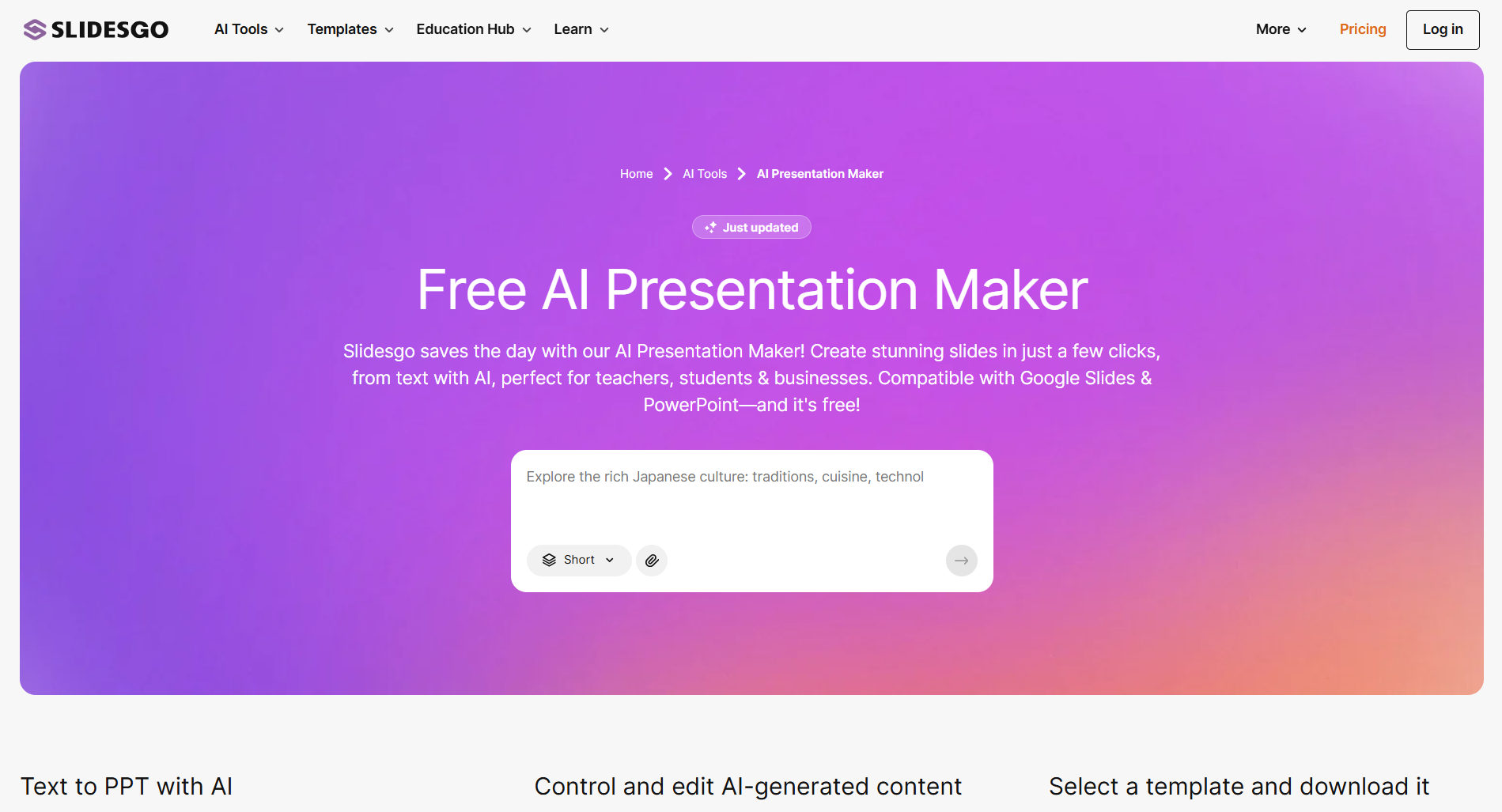
Rather than starting from scratch, users can generate presentation drafts and combine them with Slidesgo’s professionally designed templates. This is particularly helpful for students, teachers, freelancers, and professionals who need visually appealing presentations without investing hours in design.
During testing, I found the platform easy to use and appreciated the variety of layouts available for different industries and presentation styles.
Key Features
- AI-generated presentations
- Large template library
- Google Slides compatibility
- PowerPoint compatibility
- Educational templates
- Business templates
- Editable graphics
Pros
✅ Huge template collection
✅ Beginner-friendly
✅ Fast presentation creation
✅ Great for education
✅ Easy customization
Cons
❌ AI writing is more basic than some competitors
❌ Limited advanced collaboration
❌ Premium templates require a subscription
Pricing
- Free plan
- Premium subscription
My Experience
Slidesgo AI is ideal if you value professionally designed templates and want AI to speed up the initial draft. It’s particularly useful for classrooms, workshops, and general business presentations.
Overall Rating
⭐⭐⭐⭐☆ 4.4/5
10. Prezi AI
Best for: Dynamic and non-linear presentations
Prezi has always been different from traditional presentation software, and its AI features continue that approach.
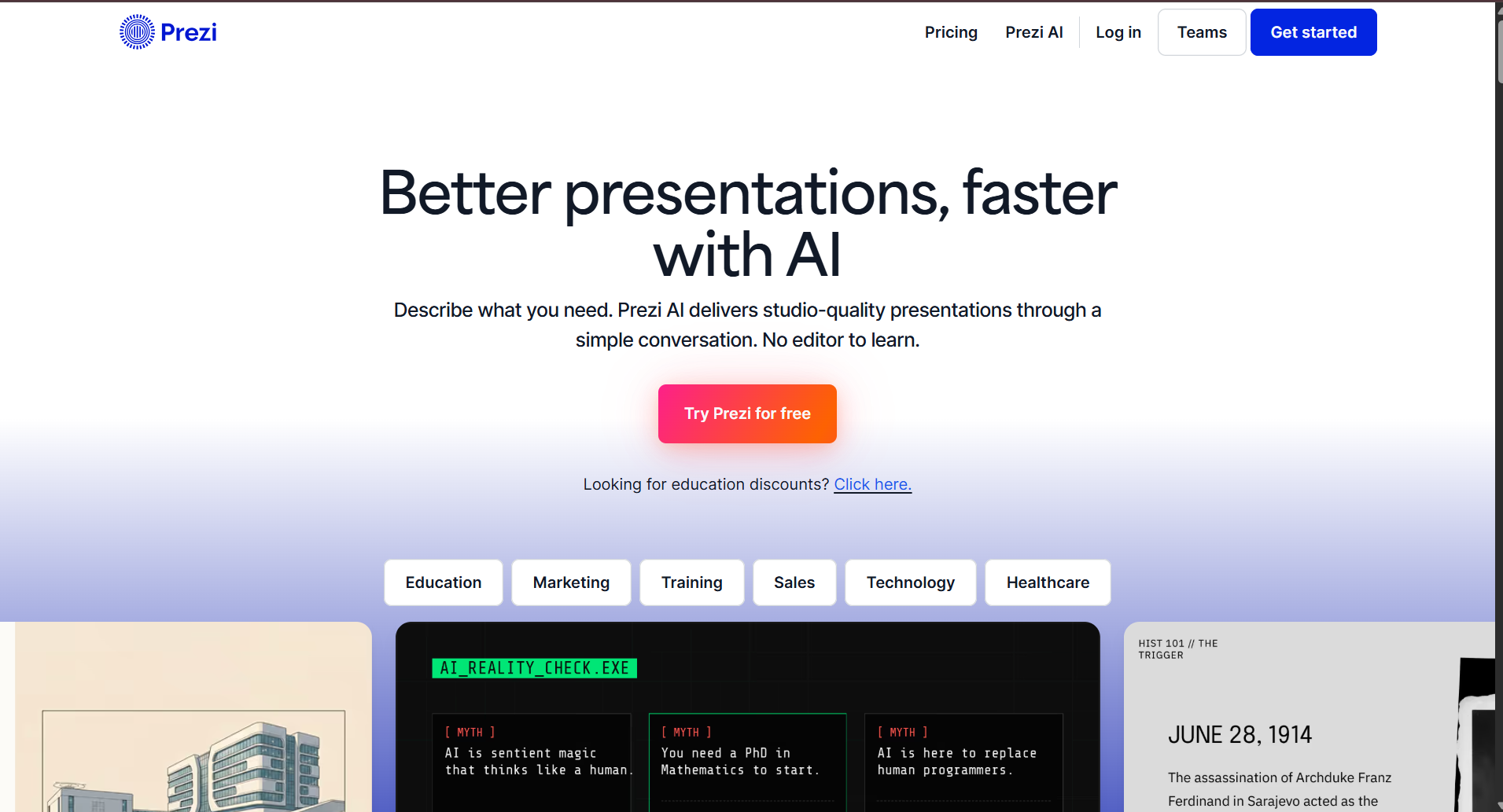
Instead of organizing content as a sequence of slides, Prezi allows presenters to zoom in and out of topics, creating a more dynamic storytelling experience.
This style works especially well for keynote presentations, workshops, conferences, and educational sessions where audience engagement is a priority.
During testing, I found that Prezi’s AI helped generate presentation structures quickly, but its unique navigation style requires some practice if you’re accustomed to conventional slide decks.
Key Features
- AI-assisted presentation creation
- Zoom-based navigation
- Dynamic storytelling
- Collaboration
- Presentation analytics
- Cloud sharing
- Multimedia support
Pros
✅ Unique presentation style
✅ Highly engaging
✅ Excellent for public speaking
✅ Good storytelling workflow
✅ Strong visual impact
Cons
❌ Learning curve for new users
❌ Not ideal for every business environment
❌ Limited compatibility with traditional slide workflows
Pricing
- Free trial
- Paid plans
My Experience
Prezi remains one of the most distinctive presentation platforms available. If you regularly speak at conferences or want presentations that stand out visually, it’s worth considering.
Overall Rating
⭐⭐⭐⭐☆ 4.4/5
Complete Comparison Table
| Tool | AI Content | Templates | Collaboration | PowerPoint Export | Google Slides | Best For |
|---|---|---|---|---|---|---|
| AIPresentations.app | ⭐⭐⭐⭐⭐ | ⭐⭐⭐⭐⭐ | ⭐⭐⭐⭐☆ | ✅ | ✅ | Fast presentation creation |
| Gamma | ⭐⭐⭐⭐☆ | ⭐⭐⭐⭐☆ | ⭐⭐⭐⭐☆ | ✅ | Limited | Interactive presentations |
| Canva | ⭐⭐⭐⭐☆ | ⭐⭐⭐⭐⭐ | ⭐⭐⭐⭐⭐ | ✅ | ✅ | Creative design |
| Beautiful.ai | ⭐⭐⭐⭐☆ | ⭐⭐⭐⭐⭐ | ⭐⭐⭐⭐☆ | ✅ | No | Business presentations |
| Tome | ⭐⭐⭐⭐☆ | ⭐⭐⭐⭐☆ | ⭐⭐⭐⭐☆ | Partial | No | Storytelling |
| Pitch | ⭐⭐⭐⭐☆ | ⭐⭐⭐⭐☆ | ⭐⭐⭐⭐⭐ | ✅ | Limited | Team collaboration |
| Plus AI | ⭐⭐⭐⭐☆ | ⭐⭐⭐⭐☆ | ⭐⭐⭐⭐☆ | ✅ | ✅ | Google Slides workflow |
| Visme | ⭐⭐⭐⭐☆ | ⭐⭐⭐⭐⭐ | ⭐⭐⭐⭐☆ | ✅ | Limited | Marketing & reports |
| Slidesgo AI | ⭐⭐⭐⭐☆ | ⭐⭐⭐⭐⭐ | ⭐⭐⭐☆☆ | ✅ | ✅ | Templates & education |
| Prezi AI | ⭐⭐⭐⭐☆ | ⭐⭐⭐⭐☆ | ⭐⭐⭐⭐☆ | Partial | No | Dynamic presentations |
Which Tool Should You Choose?
Every user has different requirements, so there isn’t a single tool that’s perfect for everyone.
Choose AIPresentations.app if you:
- Want to create complete presentations quickly
- Need PowerPoint-ready files
- Prefer balanced AI content and professional design
- Create business, educational, or client presentations regularly
Choose Gamma if you:
- Prefer interactive presentations
- Deliver online presentations
- Want modern layouts
Choose Canva if you:
- Care most about visual design
- Customize every slide
- Create marketing or social-media-focused presentations
Choose Beautiful.ai if you:
- Build business presentations frequently
- Need polished corporate designs
- Want automatic layout optimization
Choose Tome if you:
- Focus on storytelling
- Create startup pitches
- Present ideas instead of detailed reports
Choose Pitch if you:
- Collaborate with teams
- Need shared workspaces
- Want version history and comments
Choose Plus AI if you:
- Work primarily in Google Slides
- Want AI assistance without leaving your existing workflow
Choose Visme if you:
- Build reports and dashboards
- Use charts and infographics often
- Need strong branding capabilities
Choose Slidesgo AI if you:
- Prefer starting from ready-made templates
- Create educational presentations
- Want a wide variety of design styles
Choose Prezi AI if you:
- Deliver keynote presentations
- Want dynamic storytelling
- Need presentations that stand out visually
Benefits of Using AI Tools for PPT Presentation
Creating presentations is no longer just about arranging text and images on slides. Modern AI-powered tools simplify the entire workflow from brainstorming ideas to designing polished presentations.
Here are some of the biggest advantages I noticed while testing these tools.
1. Save Hours of Manual Work
Building a presentation from scratch often involves researching the topic, writing content, designing layouts, selecting visuals, and formatting slides.
AI significantly reduces this workload by generating a structured draft in minutes. Instead of starting with a blank screen, you begin with a complete presentation that you can refine and customize.
2. Create Better-Structured Presentations
Many AI tools organize content into logical sections with clear titles, supporting points, and smooth transitions.
This helps improve the overall flow of a presentation, especially when you’re explaining complex topics or presenting detailed information.
3. Improve Design Consistency
One of the most common challenges in presentation design is maintaining a consistent look across every slide.
AI tools automatically apply layouts, fonts, colors, spacing, and alignment, resulting in presentations that look polished without requiring professional design skills.
4. Generate Content Faster
Whether you’re preparing a business proposal, project report, classroom lecture, or sales deck, AI can help generate outlines, summaries, headlines, and supporting points much faster than writing everything manually.
5. Increase Productivity
Instead of spending hours formatting slides, you can focus on refining your message, adding personal insights, and preparing for your presentation.
For professionals who create presentations regularly, these time savings can be substantial over the course of a year.
6. Support Different Presentation Types
Most modern AI tools can assist with a variety of presentation formats, including:
- Business proposals
- Sales presentations
- Investor pitches
- Educational lectures
- Training materials
- Marketing reports
- Project updates
- Research presentations
- Product launches
- Conference talks
Things to Consider Before Choosing an AI Tool
Not every AI tool is designed for the same type of user. Before selecting one, it’s worth considering a few practical factors.
Your Workflow
If your team already uses PowerPoint or Google Slides, choose a tool that integrates smoothly with your existing workflow rather than requiring you to learn an entirely new platform.
Export Quality
A presentation may look great inside the platform but lose formatting when exported.
Always check whether the tool preserves layouts, fonts, images, and animations when downloading PowerPoint files.
Customization Options
AI-generated presentations are only a starting point.
Choose a tool that allows you to easily edit text, rearrange slides, replace visuals, and apply your own branding.
Collaboration Features
If multiple people work on presentations, look for features like:
- Real-time editing
- Comments
- Version history
- Shared workspaces
- Access controls
Pricing
Some tools offer generous free plans, while others require a subscription for advanced AI capabilities.
Compare features carefully to ensure the pricing matches your actual needs.
Data Privacy
If you’re working with confidential business information, review how the platform handles uploaded documents and AI-generated content.
Frequently Asked Questions
What are AI tools for PPT presentation?
AI tools for PPT presentation use artificial intelligence to help create presentation outlines, generate slide content, suggest layouts, and simplify the presentation creation process.
Can AI create an entire presentation?
Yes. Many modern tools can generate a complete presentation from a prompt, document, or topic. However, reviewing and customizing the final result is always recommended.
Are free AI presentation tools worth using?
Many free plans provide enough functionality for occasional users, students, and educators. Premium plans generally unlock additional AI usage, templates, collaboration, and branding features.
Which AI tool is best for business presentations?
If your focus is business presentations, look for platforms that offer professional templates, clean PowerPoint exports, branding options, and collaboration features. The right choice depends on your workflow and presentation style.
Can AI tools export PowerPoint files?
Most leading platforms support PowerPoint export, although formatting quality can vary between tools. It’s a good idea to review exported presentations before sharing them.
Do AI tools work with Google Slides?
Some platforms integrate directly with Google Slides, while others allow you to export presentations for further editing.
Are AI-generated presentations editable?
Yes. Nearly all modern AI tools allow you to edit text, replace images, rearrange slides, change themes, and customize the presentation after generation.
Are AI tools suitable for students?
Absolutely. Students can use AI tools to create class presentations, project reports, research summaries, seminar slides, and thesis presentations more efficiently.
Can AI help with presentation design?
Yes. Many platforms automatically suggest layouts, typography, color schemes, icons, and images to create visually appealing presentations.
How do I choose the right AI tool?
The best choice depends on your goals. Consider factors such as presentation quality, editing flexibility, collaboration features, export options, pricing, and how well the tool fits your existing workflow.
Final Verdict
After comparing ten of the most popular AI tools for PPT presentation, one thing became clear: there is no single platform that’s perfect for every user.
Some tools prioritize creative design, while others focus on collaboration, storytelling, or business presentations. The right choice depends on how you work, who your audience is, and how much customization you need after the initial draft.
If your priority is creating professional PowerPoint presentations quickly with a balance of strong AI-generated content, polished designs, and flexible editing, AIPresentations.app is a compelling option to explore.
For users who value design freedom, collaboration, or unique presentation styles, platforms like Canva, Pitch, Gamma, Beautiful.ai, and others each offer strengths that may better suit specific workflows.
Rather than relying on a single feature, evaluate each tool based on the way you create and deliver presentations. The right tool should help you spend less time building slides and more time communicating your ideas effectively.
Quick Recap
| Requirement | Recommended Tool |
|---|---|
| Fast presentation creation | AIPresentations.app |
| Business presentations | Beautiful.ai |
| Creative design | Canva |
| Team collaboration | Pitch |
| Interactive presentations | Gamma |
| Storytelling | Tome |
| Google Slides workflow | Plus AI |
| Reports & data visualization | Visme |
| Ready-made templates | Slidesgo AI |
| Dynamic presentations | Prezi AI |